From download to a working family in under 10 minutes
OurFamilyHub rewards kids with stars for completing routines and tasks — and lets you run everything from your own iPhone. This guide takes you through the whole setup.
See exactly how it works
Short animated walkthroughs of every part of OurFamilyHub — pick a topic and watch, in English or Norwegian.
A star economy the whole family gets
Kids earn stars for things they do. Stars build toward a goal. Reach the goal and a trophy unlocks — plus a real-world reward you choose.
{{ s.t }}
{{ s.d }}
Why the approval step?
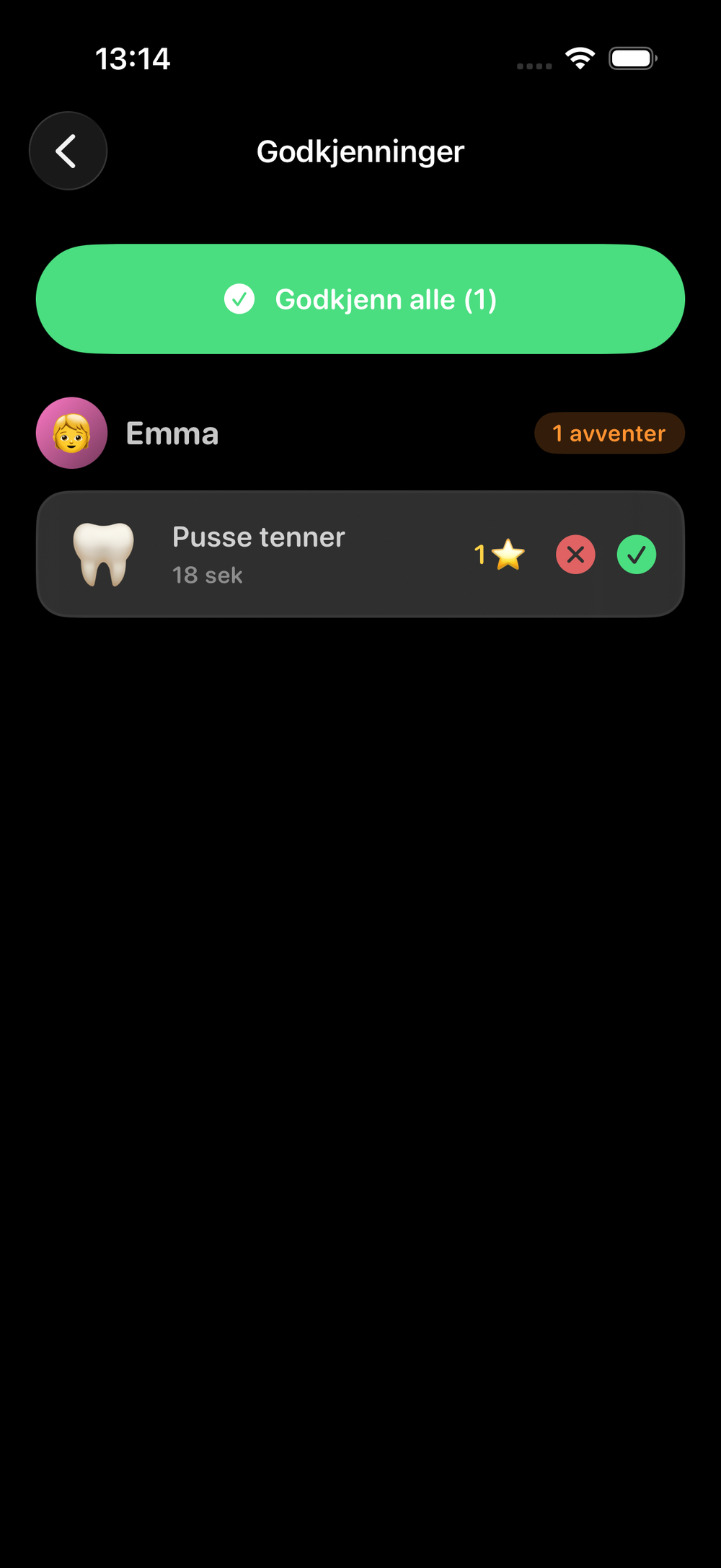
It keeps you in control and means kids can\'t "cheat" their way to stars. Rejected tasks show red with a friendly "Try again" and can be redone the same day.
Routines, tasks and cycles
They look alike but work differently. Once you know the difference, setup becomes obvious — and you only need a few of each.
{{ b.h }}
{{ b.p }}
- {{ it }}
Parent setup, step by step
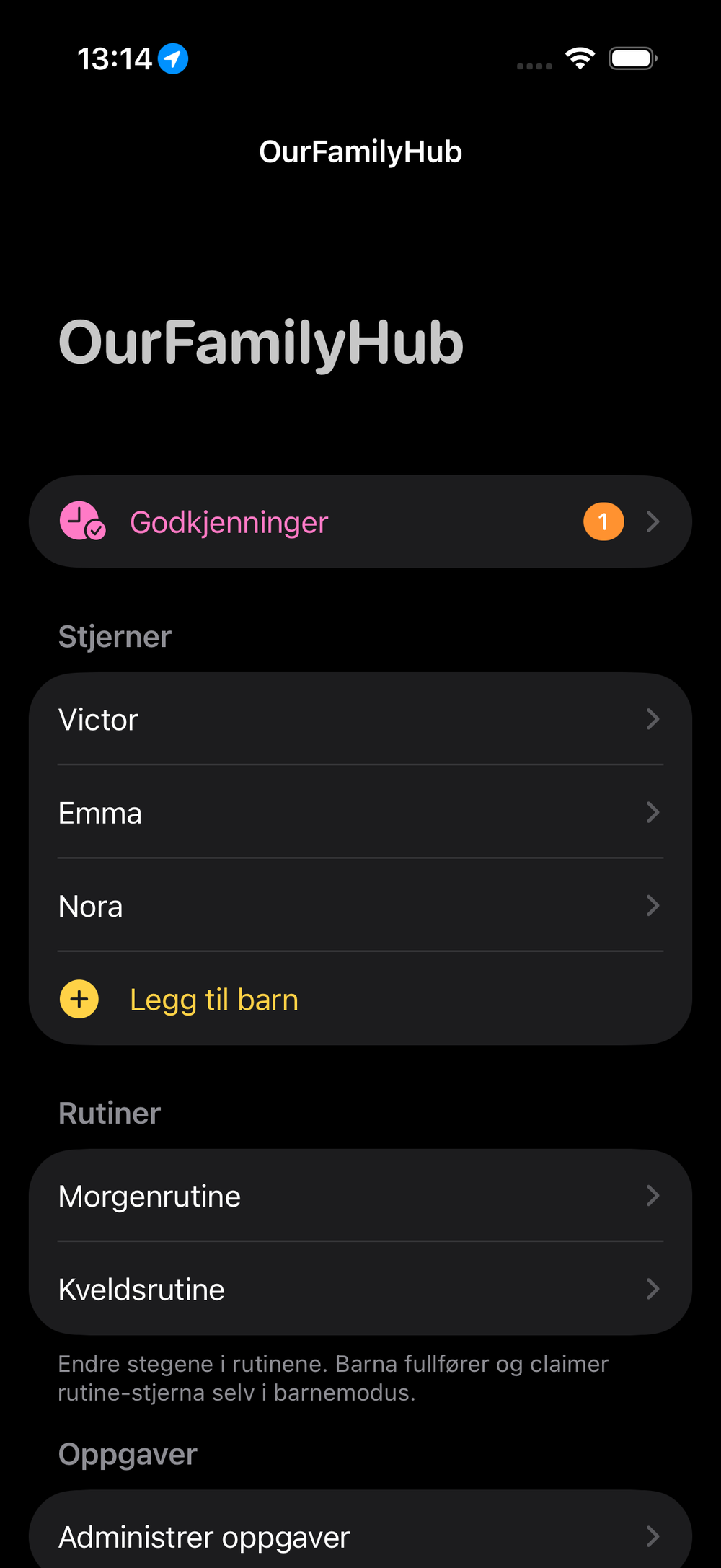
You do all of this once, from your iPhone. Most families are done in well under ten minutes.
{{ st.n }}{{ st.h }}
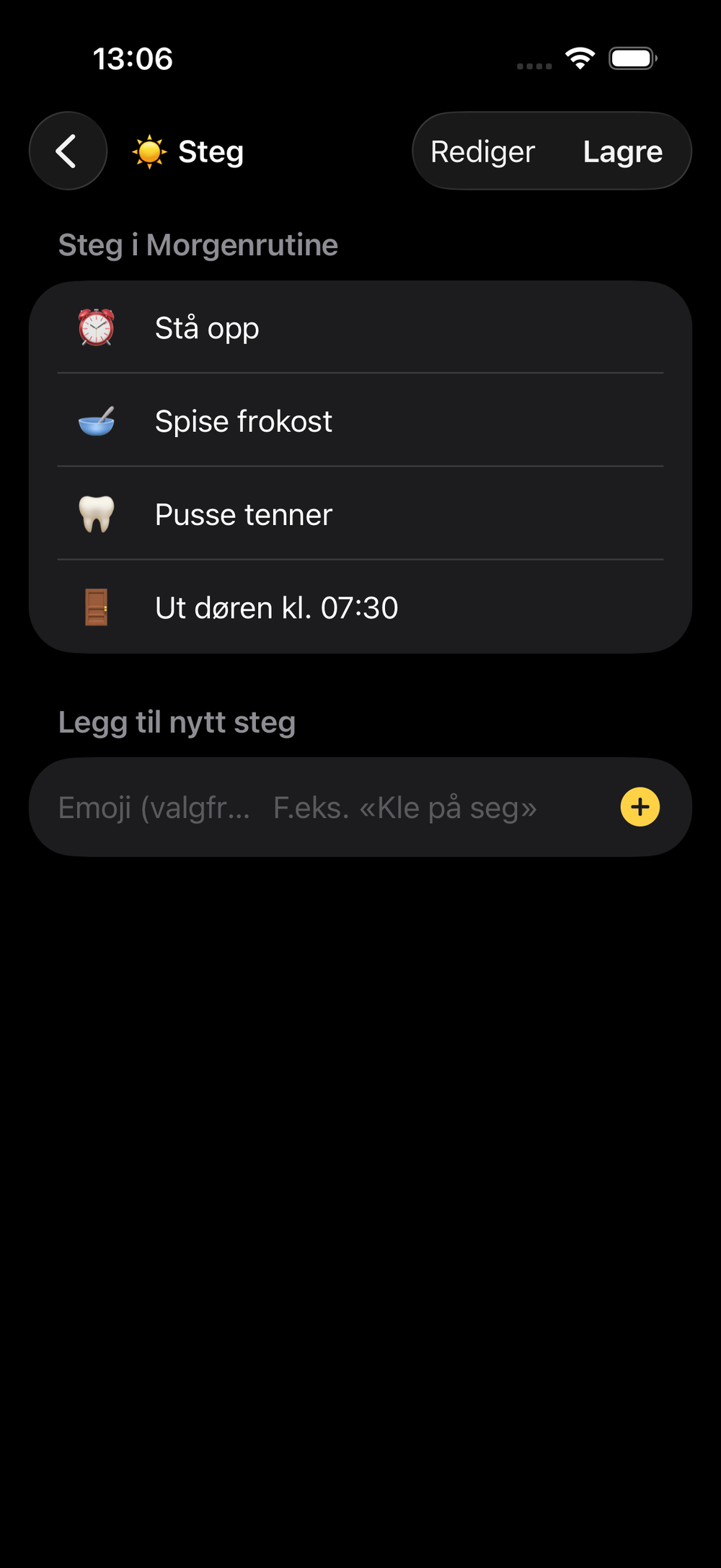
Add routines and tasks
This is where the day takes shape. Our advice: start from the default setup and adjust — don\'t build from scratch.
Categories and routines
- ★ Categories are just labels for where a star came from
- ★ Edit steps any time; nothing is lost
- ★ Kids complete them in StarTap; you approve the star
Tasks
Single actions under a category. Choose a type and, if you like, limit it to specific weekdays.
- ★ Weekday limits, e.g. "Pack school bag" on weekdays only
What "resets overnight" means
At midnight, daily tasks and routine progress are cleared, so it\'s a clean slate every morning. Stars already earned stay on the board — only the to-do status resets.
The kids dashboard
The iPad is a calm, always-on screen kids actually want to look at. No login and nothing to break — they just tap.
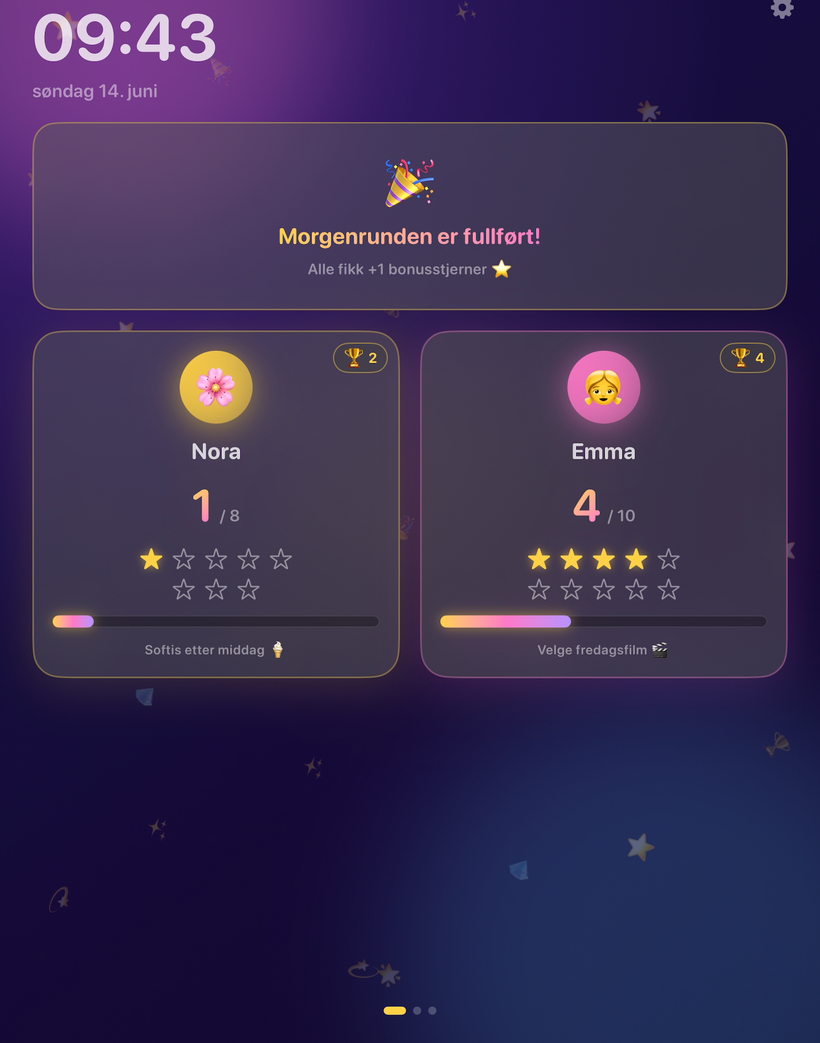
Three pages you swipe between
Tap when done
Calendar and weather — zero setup
The Family page shows the shared calendar and local weather automatically. Nothing to configure inside the app.
Shared family calendar
Local weather
Pulled from Apple Weather using your approximate location — we never see or store where you are. It updates on its own; nothing to switch on.
What\'s included
Start free with two kids. Upgrade when your family — or your ambitions — grow.
Free
- ★ Up to 2 child profiles
- ★ Categories marked "Free" (the Morning routine is included)
- ★ Stars, approvals, trophies — the entire core loop
- ★ Calendar and weather on the dashboard
Premium
- ★ Every category unlocked
- ★ Up to 4 profiles (extra slots +$1.99/mo)
- ★ Full routines, tasks and cycles
- ★ Everything in Free
Hit a limit (like adding a 3rd profile on Free)? An unlock prompt appears automatically — that\'s expected, not a bug. All billing is handled by Apple and shown in your local currency; use "Restore purchases" if something looks off.
Frequently asked questions
Quick answers to what families ask most. Tap a question to expand it.
That\'s it — go set it up
Download free and get your family going in under ten minutes. Need help? Support is here.